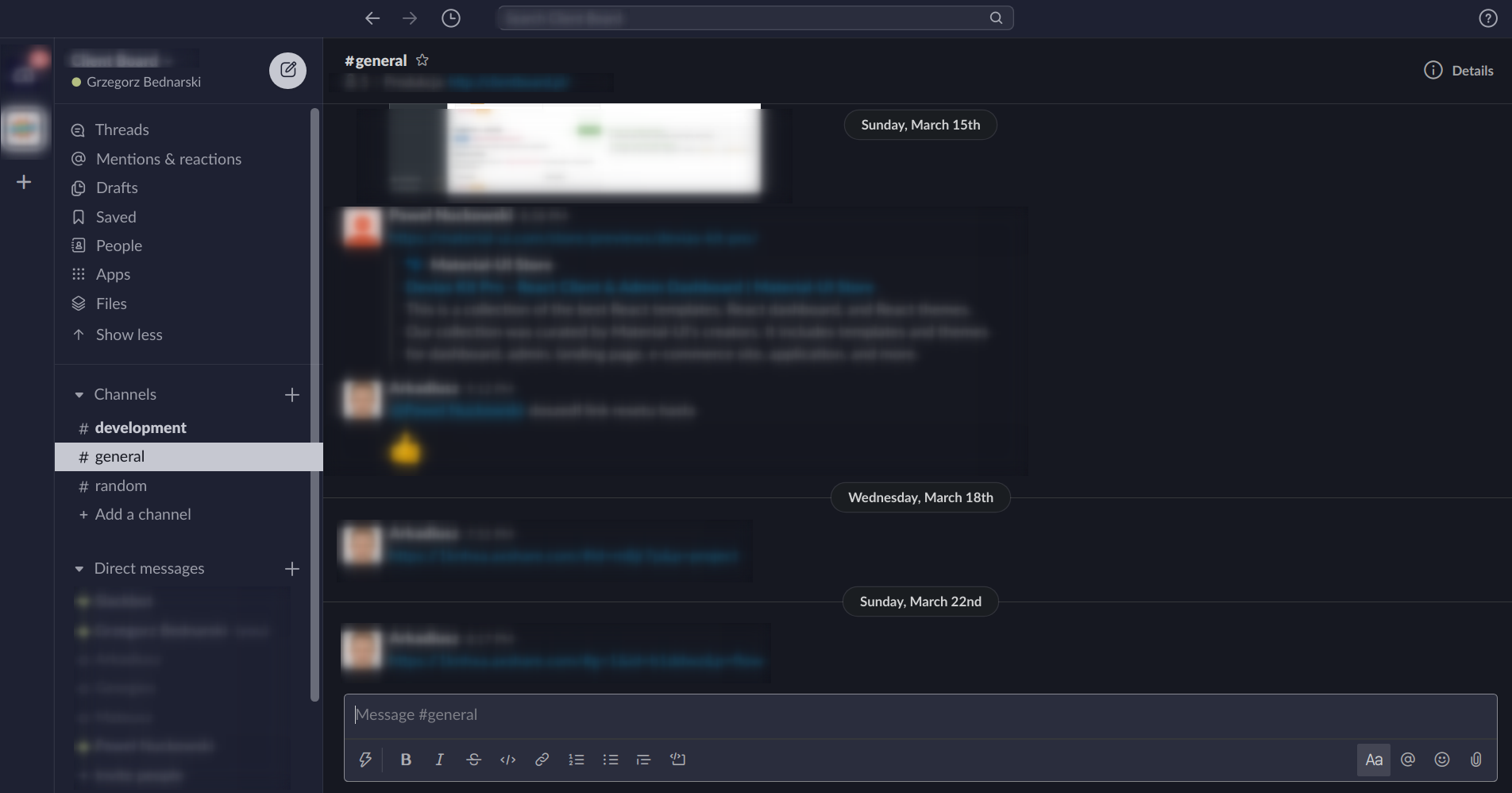
Slack is a great communication tool. You spend there almost the same amount of time as in your IDE. However, the base custom theming is limited. You cannot go beyond setting the top and side bar's colors. The Slack team added the dark mode some time ago, but the custom styling limitations still exist. The dark mode sets the "dark colors" to all UI widgets and they cannot be customized. However, there exists a method to do that.
Of course, the second application where you spend a lot of time is your IDE (nvim in my case). I'm really affectionate to my vim theme. I've spent so much time finding the right one, and then spend more time to tweak it to my needs, and of course, to set it every app that I use :) I love the Iceberg vim theme. It goes easy on my eyes. My eyes don't feel so tired like with other themes.
TopThe Slack Iceberg theme port
So the time has come to set the Iceberg theme in Slack. Here is how it can be done.
- Set the mode from light to dark in preferences (themes section).
- Set the custom theme options. You can use below values.
#1E2132,#2A3158,#C6C8D1,#161821,#2A3158,#C6C8D1,#B4BE82,#E27878,#1E2132,#C6C8D1
At this point, you should have top and left bars themed. But the background is still off from the Iceberg colors. To style the background and other elements you have to do some hacking. Follow the instructions described here.
Add below code to the main-preload-entry-point.bundle.js as described in the linked instruction. What this code does it adds Iceberg background to messages and input where you type the message. It is not an ideal solution, but good enough. It does not add the Iceberg colors to ie. emoji window or upload file window.
document.addEventListener('DOMContentLoaded', function() {
    let tt__customCss = `
      .c-message_kit__background { background: #161821; }
      .c-message_kit__background--hovered { background:  #101218; }
      .p-message_pane .c-message_list.c-virtual_list--scrollbar>.c-scrollbar2__hider, .p-message_pane .c-message_list.c-virtual_list--scrollbar>.c-scrollbar__hider, .p-message_pane .c-message_list:not(.c-virtual_list--scrollbar) { background: #161821; }
      .p-client { background: #161821; }

      .p-workspace__input.p-message_input--dark .p-message_input_field { background: #2a2d3d; }
      .c-texty_input.c-texty_input--sticky_composer.focus .ql-buttons, .c-texty_input.c-texty_input--sticky_composer.focus .ql-composer-sticky { background: #2a2d3d; }

      .p-message_pane .c-message_list.c-virtual_list--scrollbar>.c-scrollbar2__hider:before, .p-message_pane .c-message_list.c-virtual_list--scrollbar>.c-scrollbar__hider:before, .p-message_pane .c-message_list:not(.c-virtual_list--scrollbar):before { background: #161821; top: -23px; }
    `;
    var head = document.head;
    var darkStyles  = document.createElement('style');
    darkStyles.appendChild(document.createTextNode(tt__customCss));
    head.appendChild(darkStyles);
});
Result
Happy hacking !!